
.webp)

Hello, Amazon sellers! Welcome to your comprehensive guide on creating and adding videos to your Amazon listings. By the end of this post, you'll be fully equipped to take your Amazon listings to new heights using videos. We're going to dive deep into the importance of videos for Amazon products, how to create a compelling product video, and the step-by-step process of adding a video to your Amazon listing. So, buckle up and let's get started!
Why Should You Add Videos to Your Amazon Listings?
In the digital age where consumers' attention span is dwindling, it's more important than ever to quickly and effectively communicate the value of your product. Videos, in this regard, serve as an invaluable tool. Here are the reasons why you should consider adding videos to your Amazon listings:
Enhance Engagement
- Captivating: Videos can capture the interest of potential customers and hold their attention longer than text or static images.
- Interactive: Unlike static images, videos provide a dynamic, interactive user experience.
- Shareable: Videos are also more likely to be shared, extending the reach of your product beyond Amazon.

Demonstrate Your Product
- Show Don't Tell: Videos allow you to show your product in action. This can be more compelling than just telling customers about your product's features.
- Clear Understanding: With a video, you can demonstrate how the product works, giving customers a clear understanding of what they're buying.
- Product Comparison: Videos can also help to compare your product with competitors, highlighting why yours is the better choice.
Build Trust
- Transparency: Videos provide a level of transparency that customers appreciate.
- Professionalism: High-quality videos showcase the professionalism of your business.
- Reviews: User-generated videos, like customer reviews or unboxing videos, provide social proof that your product is as good as you say it is.

How to Create Engaging Videos for Amazon Products
While it may seem daunting, creating a video for your product doesn't have to be a complex process. Even with a limited budget, you can produce a compelling product video by following these steps:
Start with a Clear Objective
What do you want to achieve with your video? Do you want to demonstrate how your product works? Or do you want to highlight its unique features? Having a clear objective will guide your video's content and structure.
Plan Your Video
Based on your objective, plan your video. This could involve writing a script, outlining the scenes, and deciding on the visuals.
Shooting Your Video
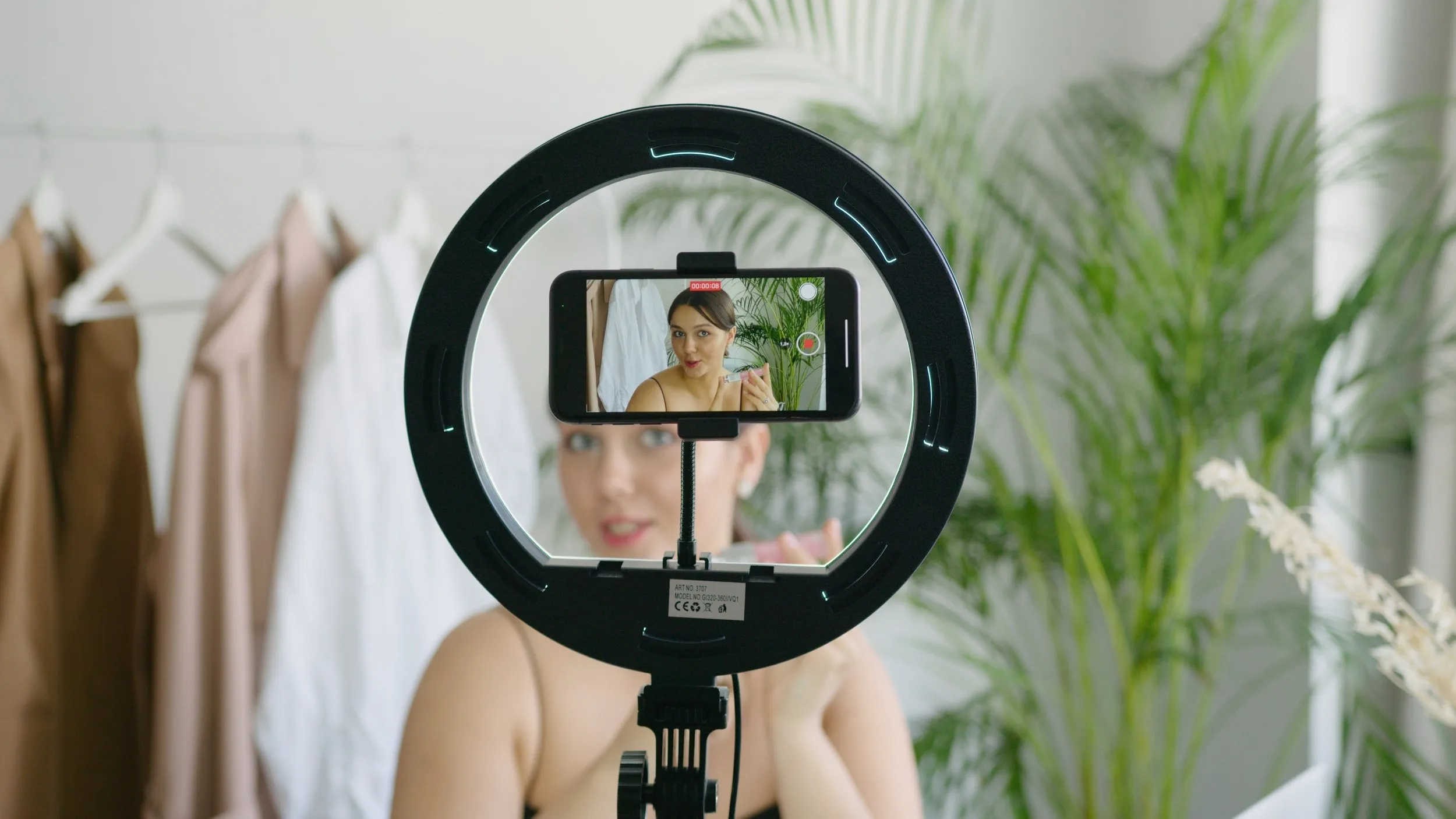
- Quality: Invest in a good camera for clear, high-resolution videos. A smartphone with a high-quality camera can also do the trick.
- Lighting: Proper lighting is critical. Make sure your product is well-lit and visible in the video.
- Sound: If you're using voiceovers or including any sounds in the video, ensure they're clear and audible.
Editing Your Video
There are several free and paid video editing tools that you can use to edit your video, add music, text, and other effects. Some popular options include Adobe Premiere Pro, Final Cut Pro, and iMovie.
Reviewing Your Video
Before uploading your video, watch it several times to ensure it aligns with your objective, showcases your product effectively, and adheres to Amazon's guidelines.
The Step-by-Step Guide on How to Add Video to Amazon Listing
After creating a compelling product video, the next step is to add it to your Amazon listing. Follow these steps to successfully add videos to your Amazon product listings:
Log in to Your Seller Central Account
You'll need to log in to your Amazon Seller Central account. If you don't have one yet, you can create one on Amazon's website.
Navigate to the Inventory Menu
Once you're logged in, locate the inventory menu at the top of the page. Click on it and select "Manage Inventory."
Choose the Product
Scroll through your listed products and select the one you want to add a video to. Click on the "Edit" button next to the product.
Access the Enhanced Content Section
On the product edit page, scroll down to find the "Enhanced Content" section. Click on the option to "Upload a Video."
Upload Your Video
Click on "Choose File" to select your video file, then click "Upload." It may take some time for your video to upload fully, especially if it's a larger file.
Save Your Changes
Once your video has uploaded, click on "Save and finish" to complete the process. It may take some time for Amazon to review and approve your video.
Final Words
There's no denying the impact videos can have on your Amazon product listings. By adding videos to your Amazon listings, you're not only enhancing your customer's shopping experience but also setting your product apart from the competition. It might require an investment of time and resources, but the potential return in the form of increased customer engagement and sales is well worth it.
So what are you waiting for? It's time to start creating engaging videos for your Amazon products and add them to your listings. Let's revolutionize your Amazon selling journey together! Here's to boosting your online presence and supercharging your sales. Happy selling!


%2520(1).webp)



.svg)
.svg)

